What the workflow does
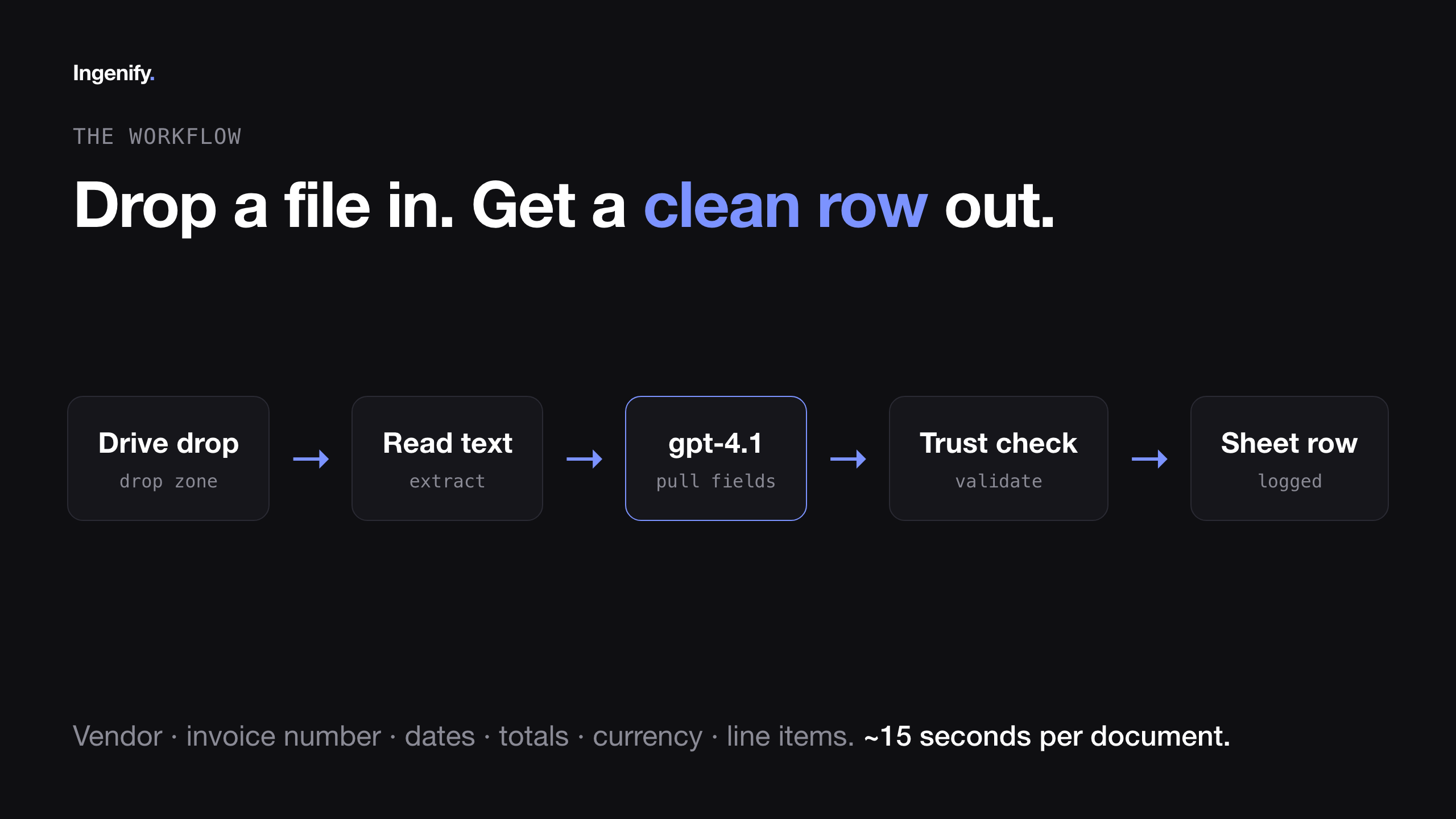
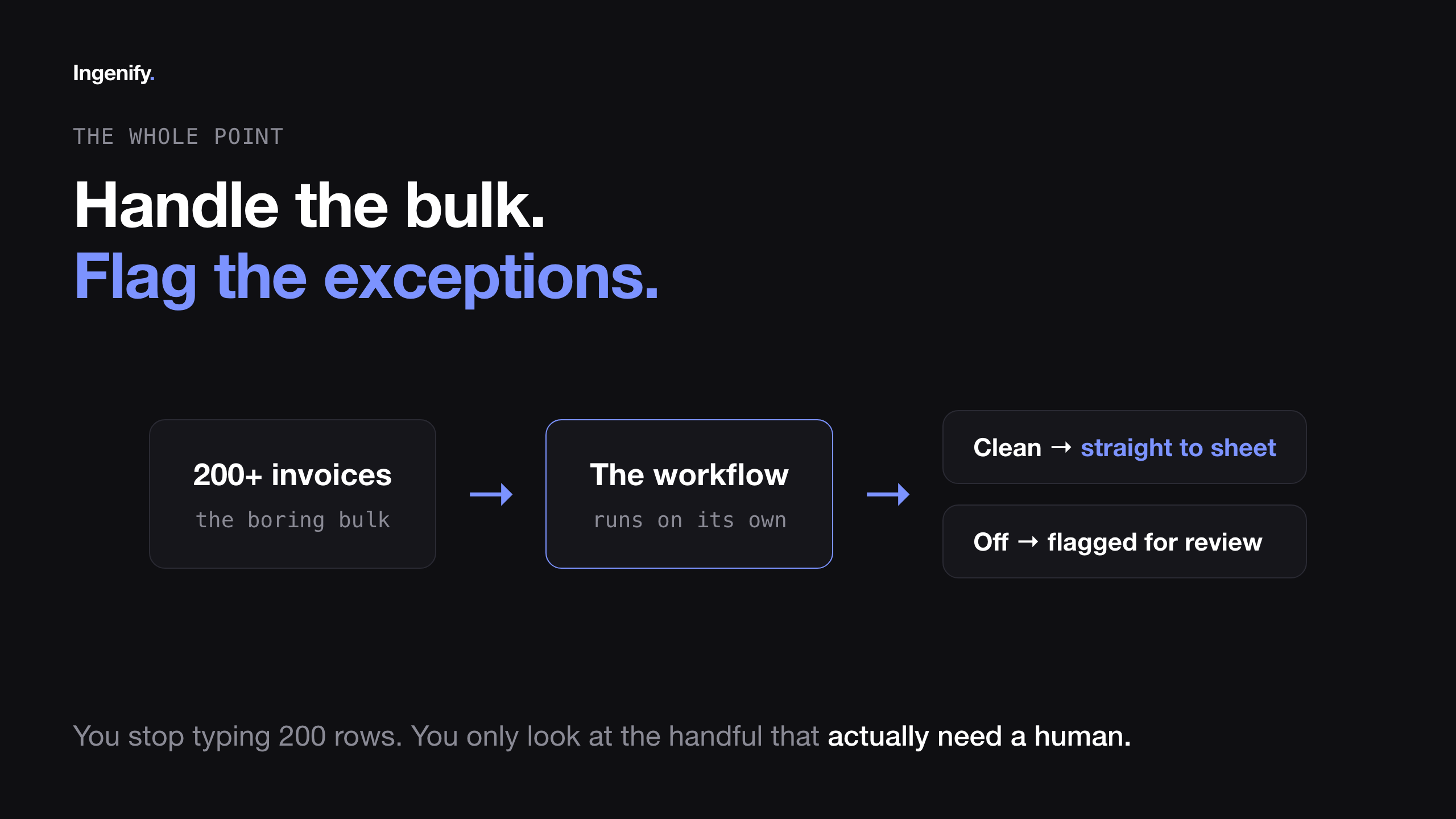
Drop an invoice, a PDF or a phone photo, into a Google Drive folder. The workflow picks it up, reads it with GPT-4.1, and extracts vendor, invoice number, dates, subtotal, tax, total, currency and line items. A validation step checks every extracted value against the actual document text before anything gets written down. Clean rows land in a Google Sheet in about 15 seconds, flagged OK or NEEDS REVIEW so a human only has to look at the exceptions.
That last part, the flagging, is the whole point. The goal isn't a workflow that's right 100% of the time. It's a workflow that knows when it might be wrong.
The build: Claude Code writes it, n8n runs it
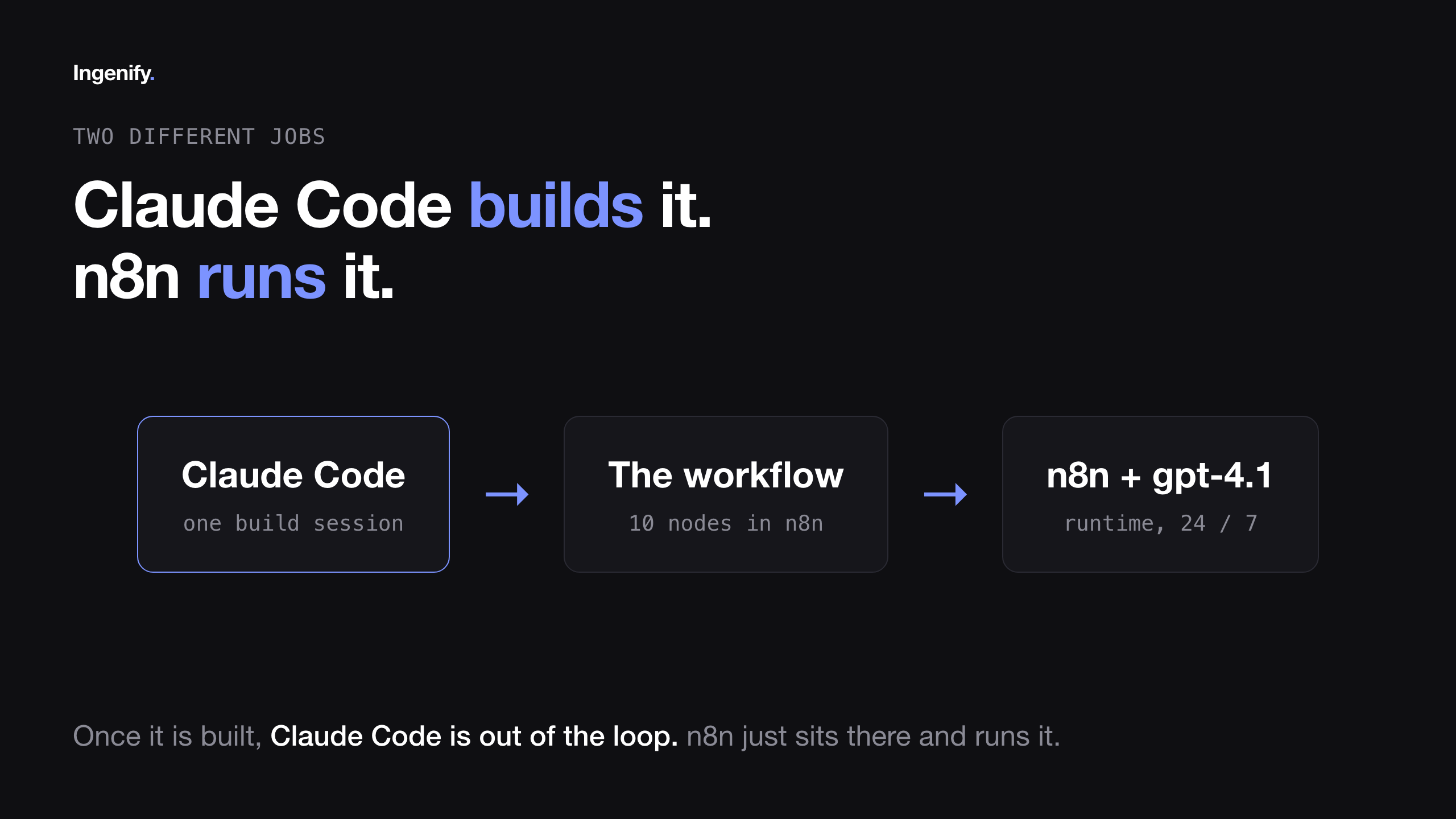
Here's the honest version of how this got built, because it's not what most "I built an AI workflow" videos show. I didn't sit there wiring nodes one by one. I told Claude Code what I wanted: an automated invoice extractor, someone sends an invoice as a PDF or a photo, and the data lands in a sheet within seconds. Claude Code said yes and spun it up inside n8n, starting with the PDF path. Trigger, download, text extraction, the extraction model, the Sheets step, all wired up on its own.
That distinction matters and it's easy to blur. Claude Code builds the workflow. n8n runs it. My job was to describe what I wanted clearly and then test it hard, and that's where things got interesting.
The problem: it hallucinated an invoice
First real test, I dropped in a junk receipt, something that didn't have clean invoice fields on it. It didn't flag anything as suspect. It hallucinated a whole invoice: fake supplier, fake invoice number, fake totals, straight into the sheet as if it were real.
I went back to Claude Code and said it plainly: this doesn't work, if it makes up numbers it's worse than useless. We tried the obvious fixes first, a better prompt, a bigger model. Same problem both times. The reason is simple once you see it: hand an AI model an invoice-shaped task and it really wants to complete the form, whether or not the data is actually there.
Why prompting alone doesn't fix hallucination
A better prompt tells the model to be careful. It doesn't give the model a way to check its own work. The model is still the only thing deciding what's true, and a model that's optimizing to produce a complete-looking invoice will produce one, real data or not.
The fix: a validation step, not a smarter model
The fix Claude Code landed on is the actual lesson here: don't trust the model's output on its own. Add a validation step that checks every extracted value against the actual document text. If a value isn't really on the page, it gets blanked out instead of kept.
The model proposes, the document decides.
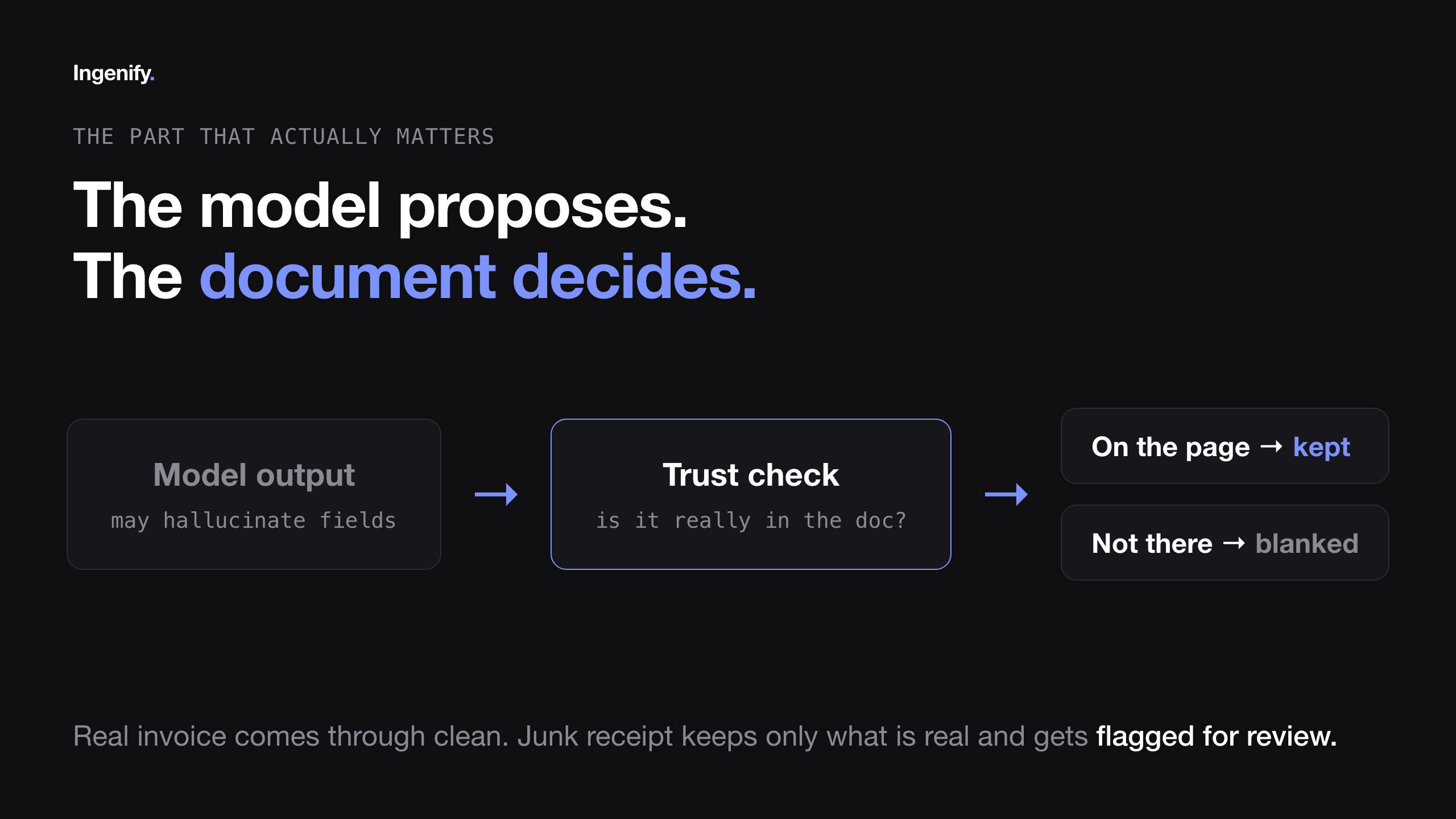
A real invoice comes through clean. A junk document keeps only what's genuinely there and gets flagged for review. No made-up numbers slipping into the sheet where they'd get treated as real data, which is worse than a blank field because someone downstream might act on it.
The photo path: because nobody scans anything
The PDF version was solid and tested, hallucination problem fixed. But the PDF path alone misses how most people actually submit an invoice in real life: they don't scan it, they take a photo on their phone.
So Claude Code added a branch. If the incoming file is a photo instead of a PDF, it routes to a vision model, gets read there, and then runs through the exact same trust check as the PDF path. I tested it with a photo of a real handwritten receipt off my phone, dropped it into the same folder. The workflow recognized it as an image, sent it down the vision path, ran the same validation, and it landed as a clean row in about 15 seconds.
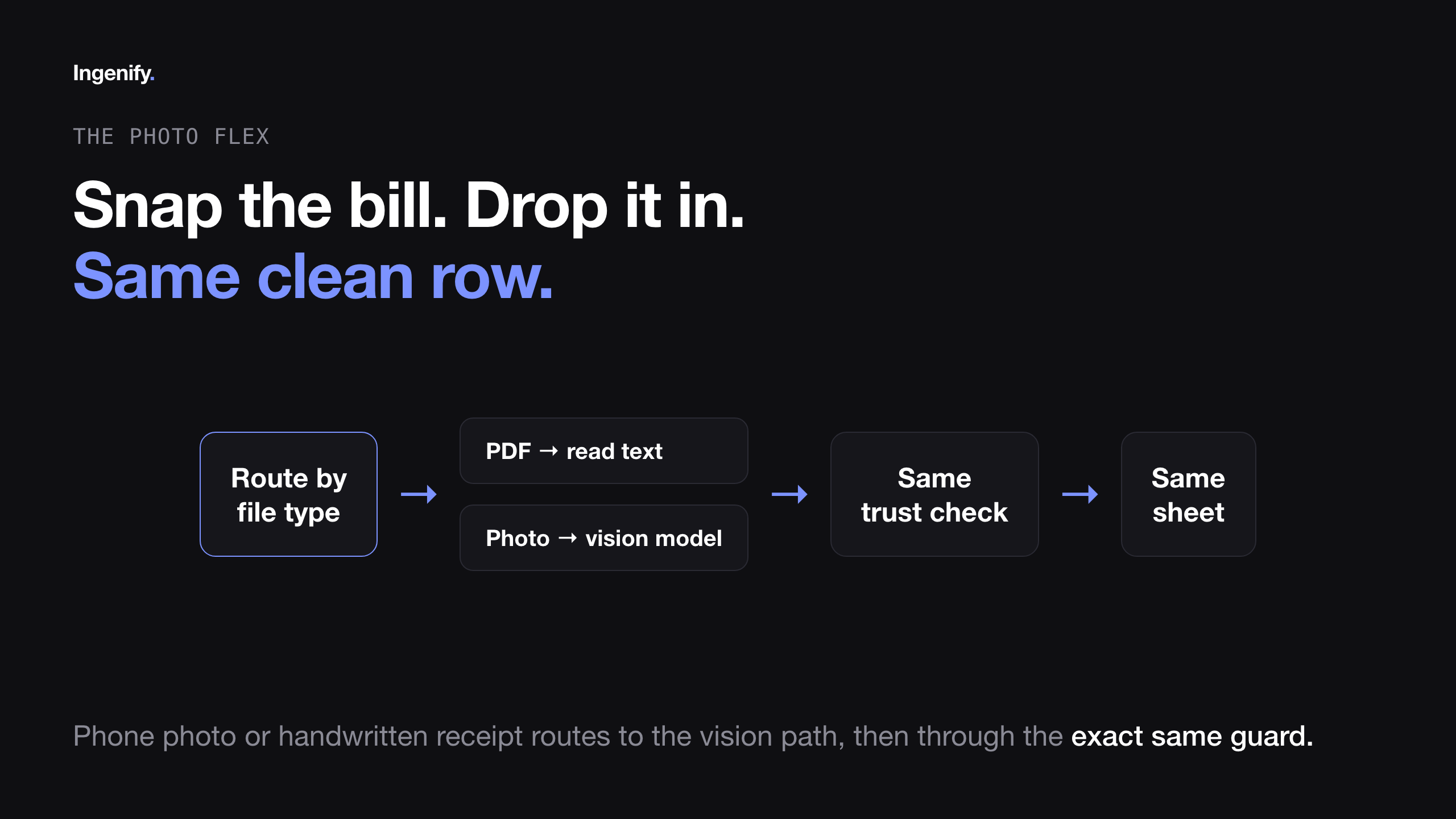
No "please scan this nicely first." Just snap the bill, drop it in, done.
What this actually costs to run
The commercial invoice-extraction tools I looked at start around $20/month and climb past $1,000/month for the enterprise tier. This workflow runs on GPT-4.1 API calls per invoice, which comes out to pennies per document even at a couple hundred invoices a month. The trade-off is that you're running and maintaining it yourself instead of paying someone else to.
Get the template. The full workflow, including the trust guard and the scanned-PDF branch added after filming, is free. Import the JSON into n8n, connect your own Google Drive, Google Sheets and OpenAI credentials, point the trigger at your invoices folder, done.
Link to the template is in the description of the video above.
Watch the full build →